DiT Architecture · Integrated Prompt Enhancer

ERNIE Image AI Generator

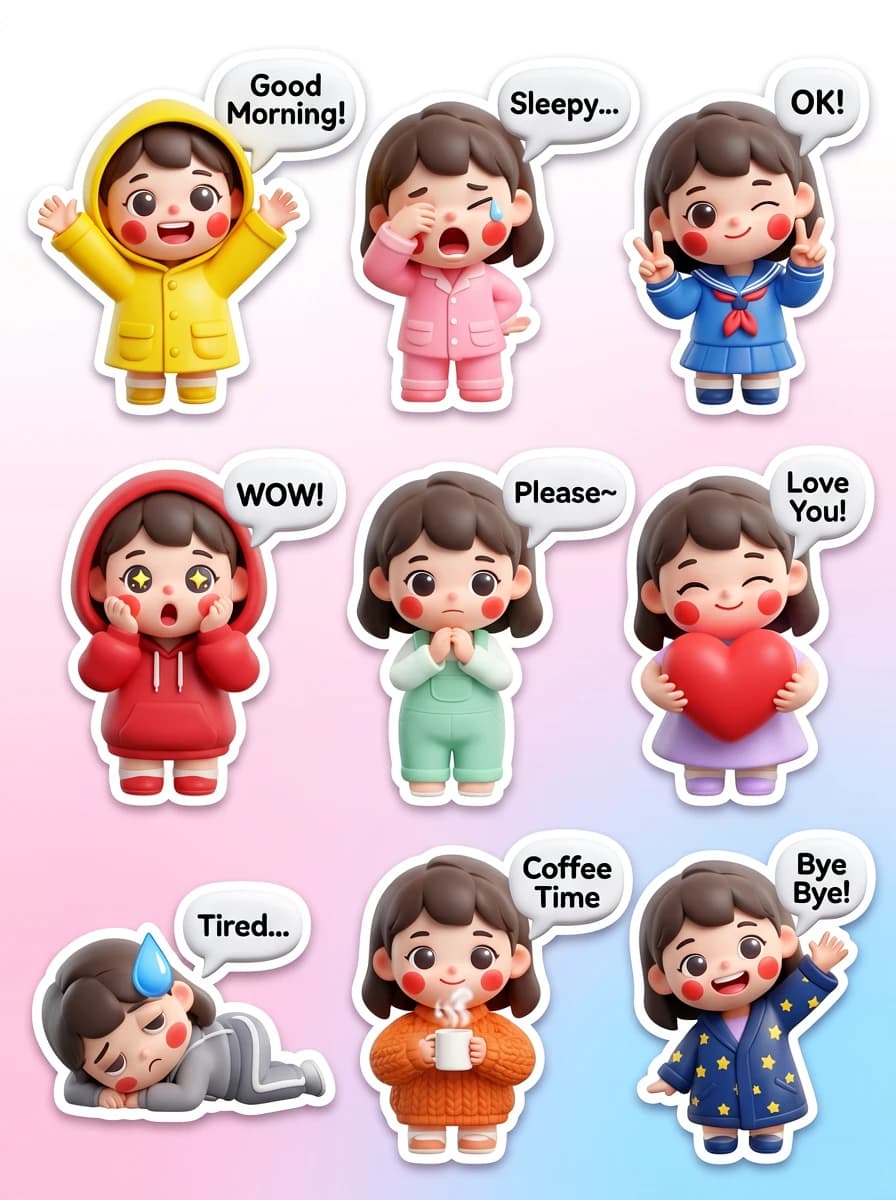
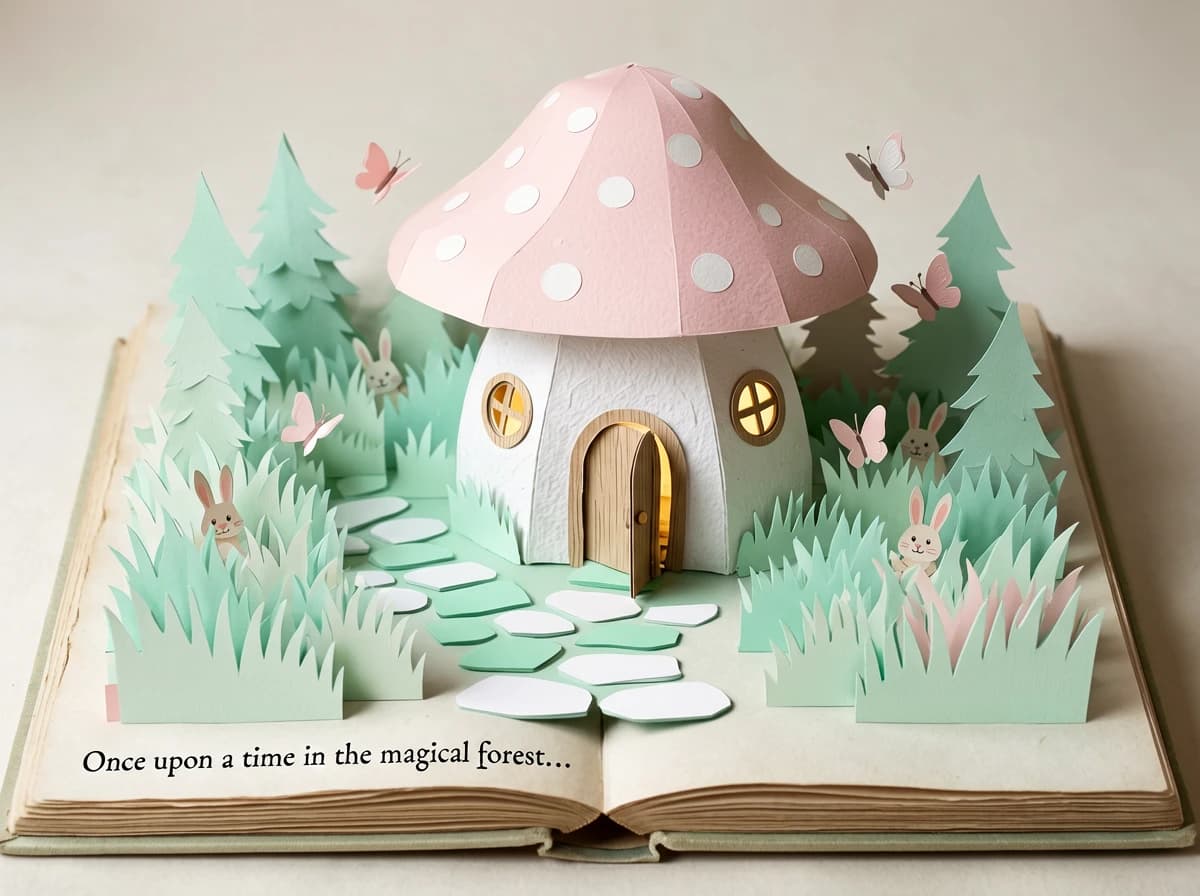
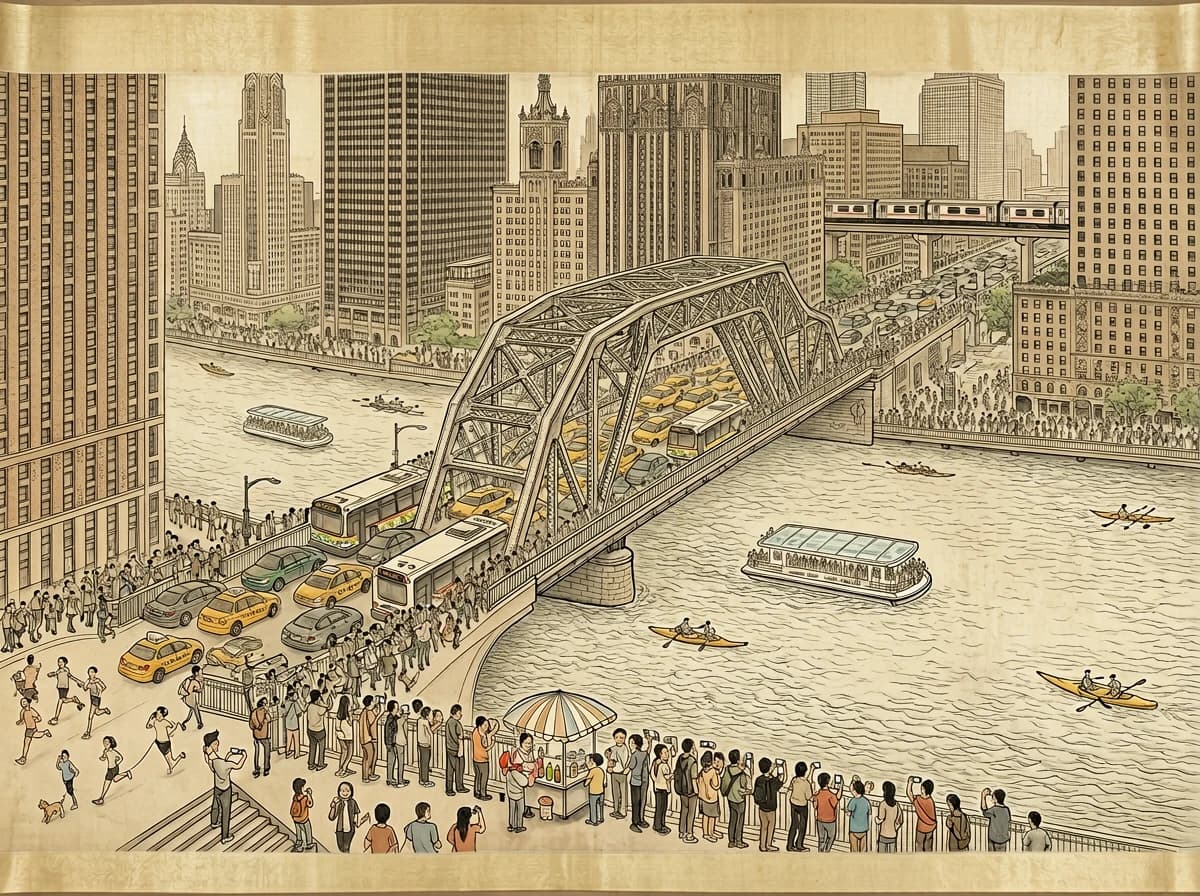
Generate photorealistic photos, anime art, and text-embedded visuals. Built on Diffusion Transformer architecture with an integrated prompt enhancer that turns simple ideas into stunning results. It is especially useful when you need a draft that already respects composition rules, short copy placement, and commercial design constraints.

Key Capabilities
Prompt Enhancer
Automatically upgrades your input for professional-quality output
Text Rendering
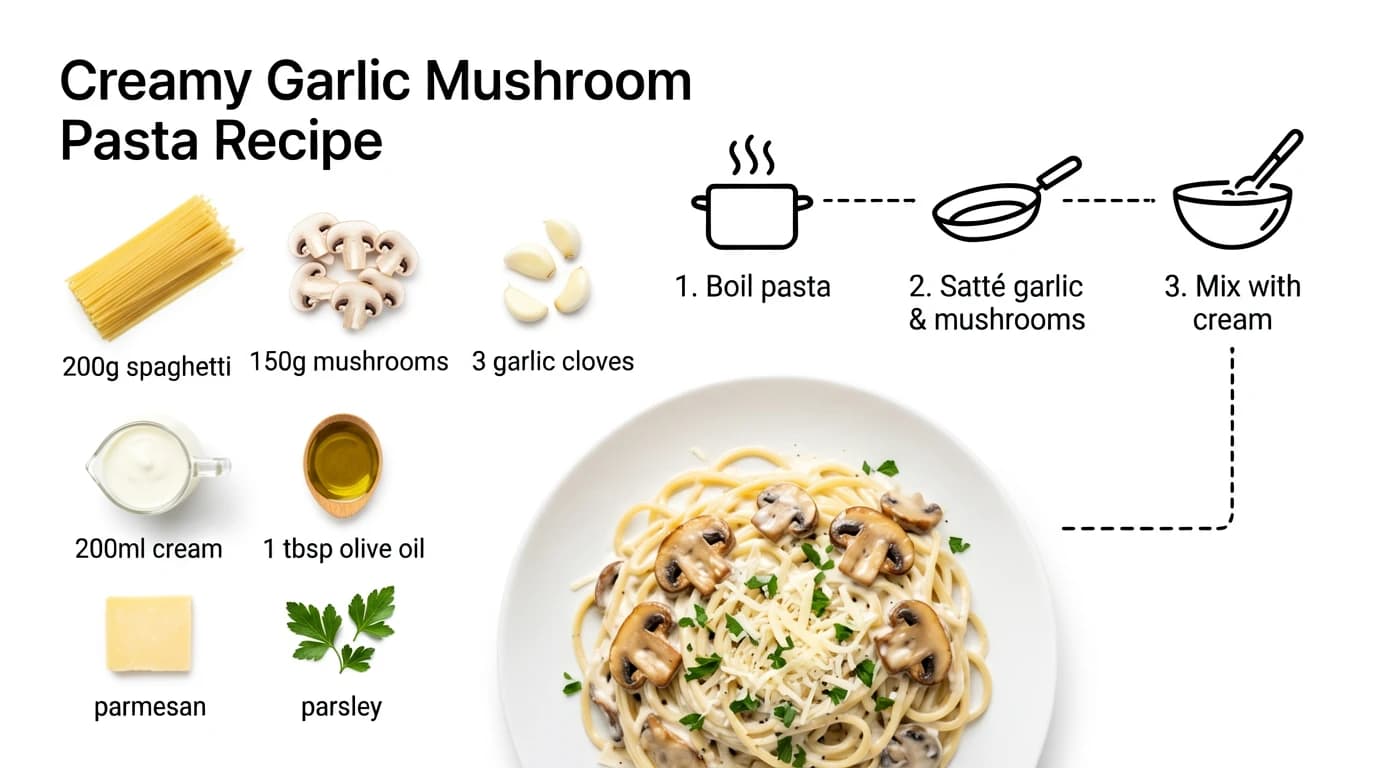
Legible typography inside images — banners, posters, UI mockups
Layout Understanding
Precise spatial control: describe where elements appear
✦ Photorealistic✦ Anime & Manga✦ Concept Art

What ERNIE Image Creates

From photorealistic product shots to anime illustrations and text-embedded designs

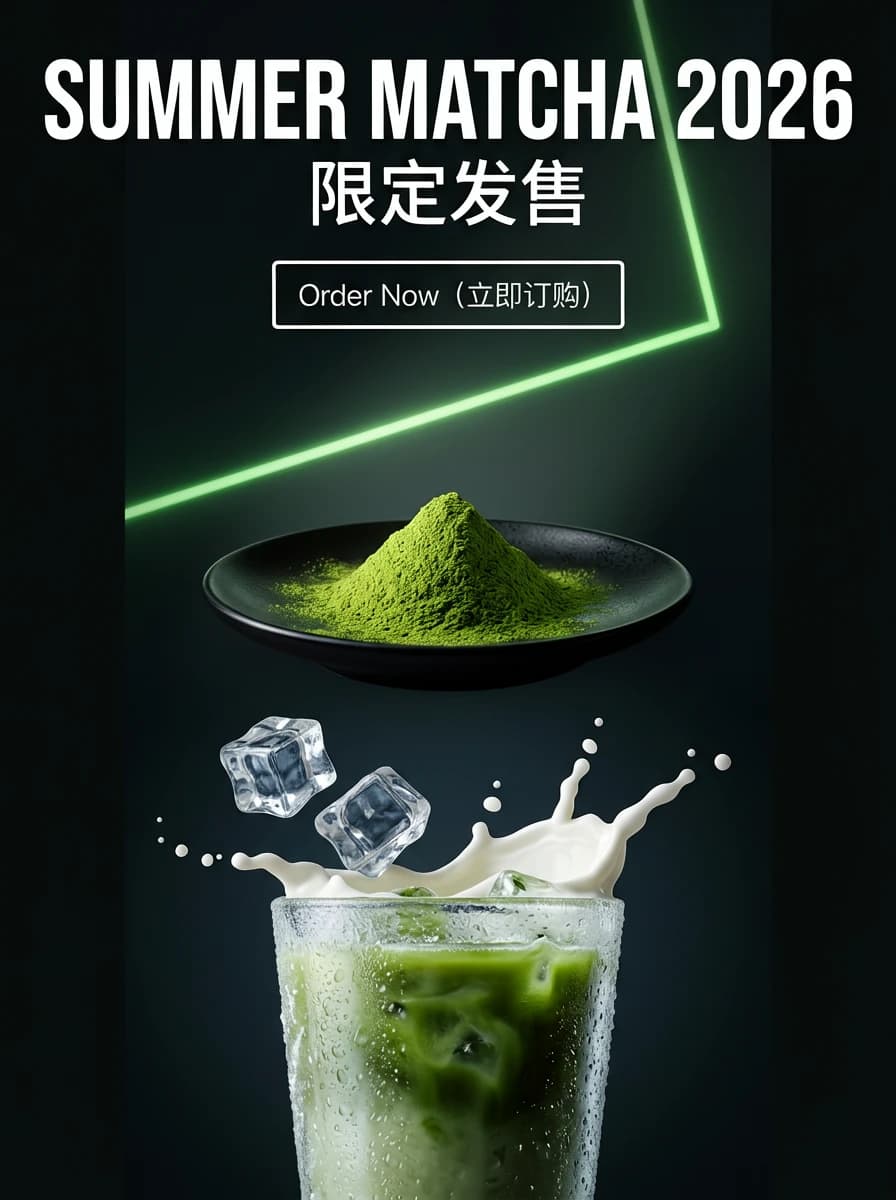
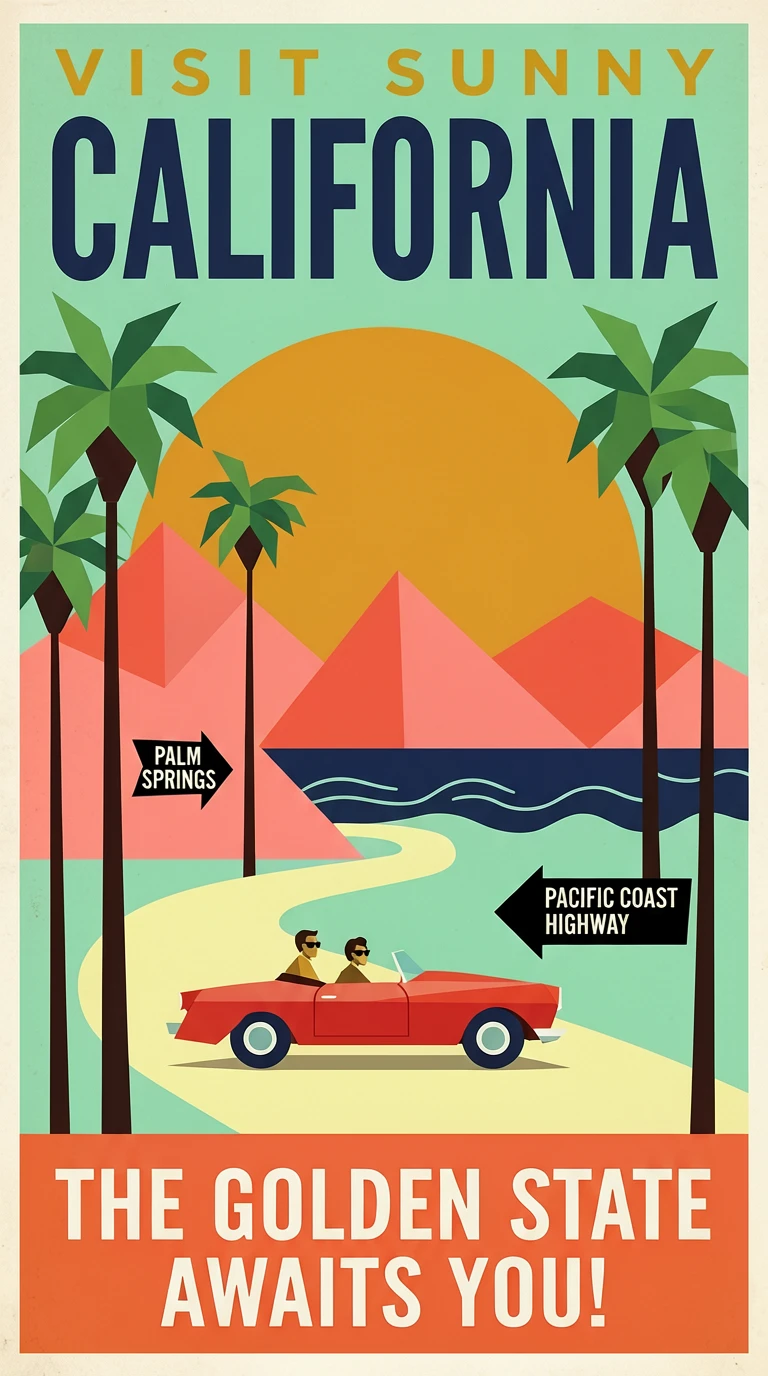
Product Banner — generated with ERNIE ImageProduct Banner
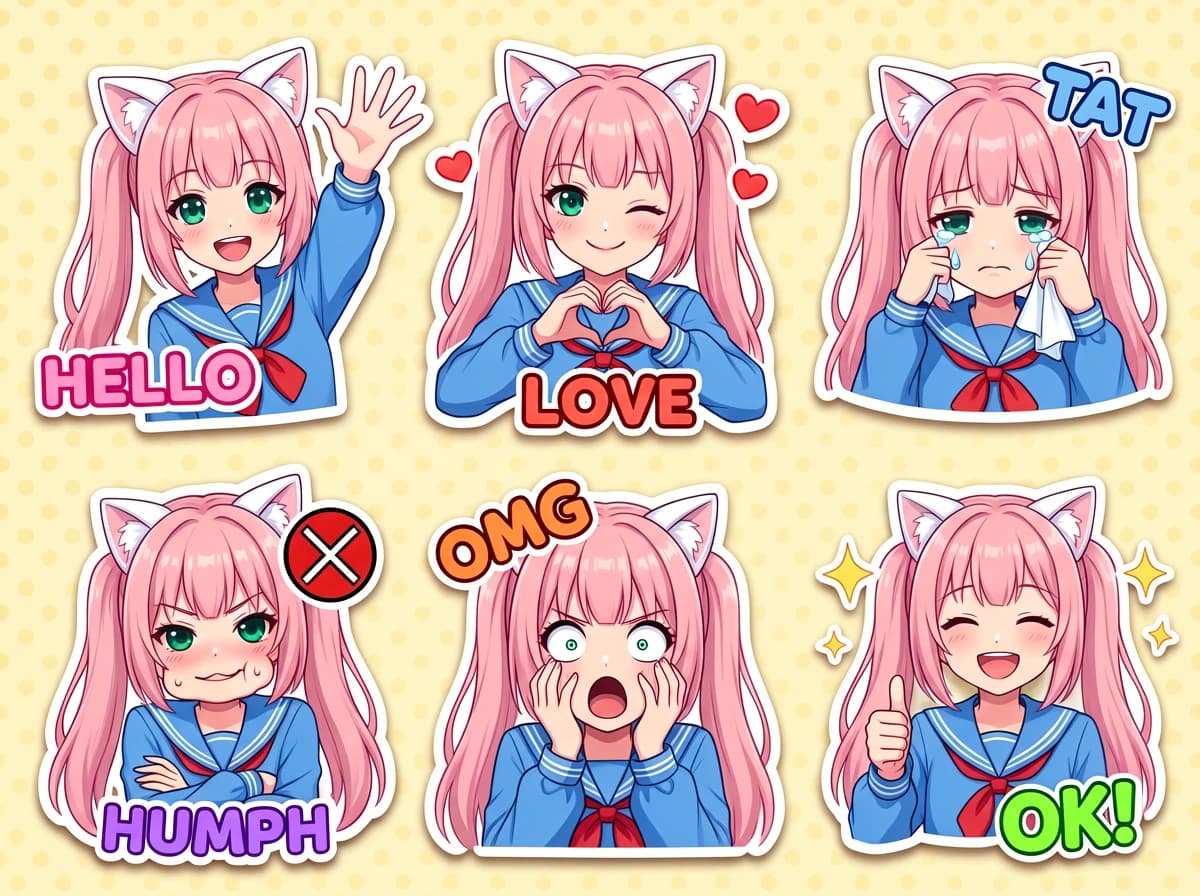
Anime Character — generated with ERNIE ImageAnime Character
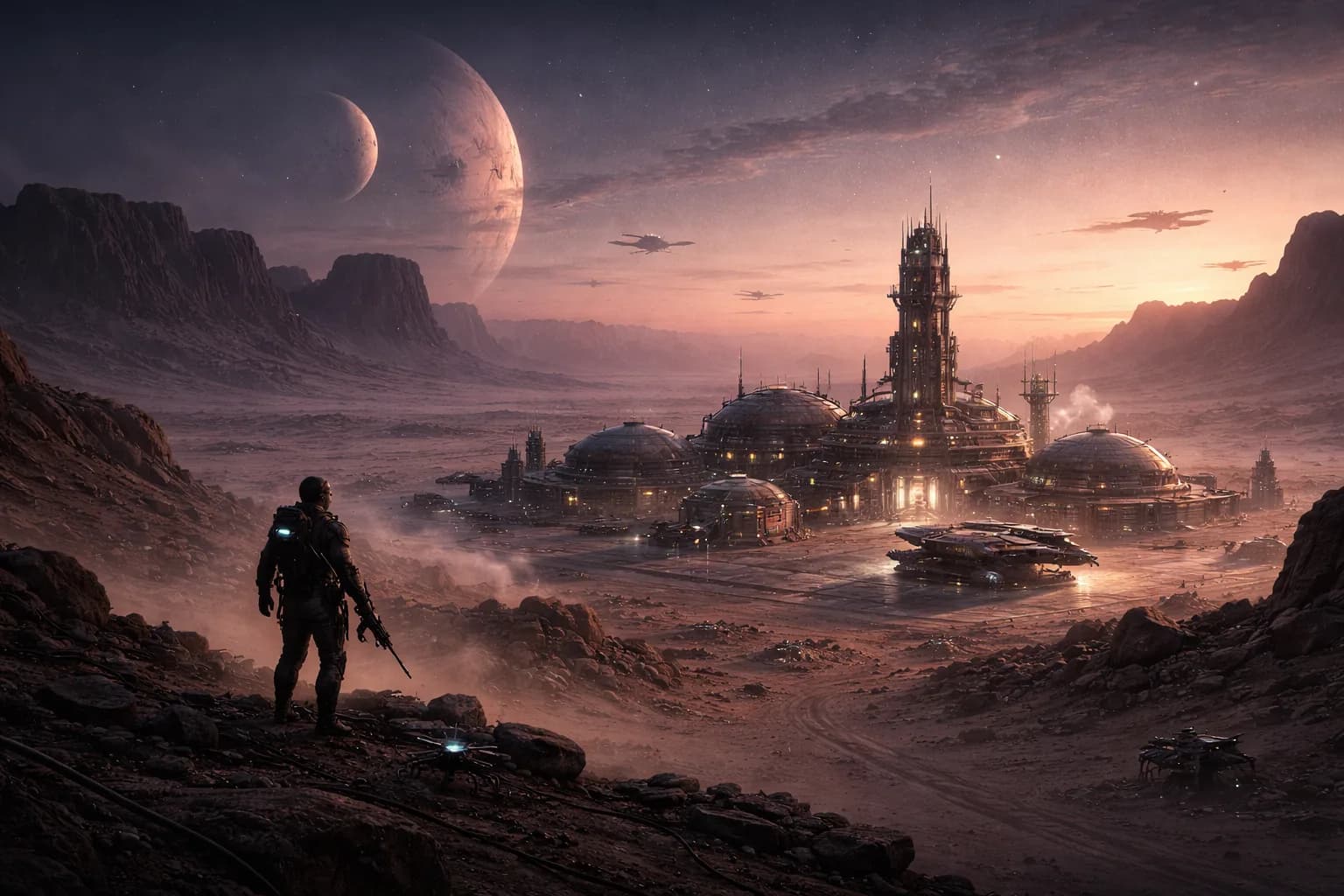
Sci-Fi Concept — generated with ERNIE ImageSci-Fi Concept
Portrait — generated with ERNIE ImagePortrait
Fantasy Map — generated with ERNIE ImageFantasy Map
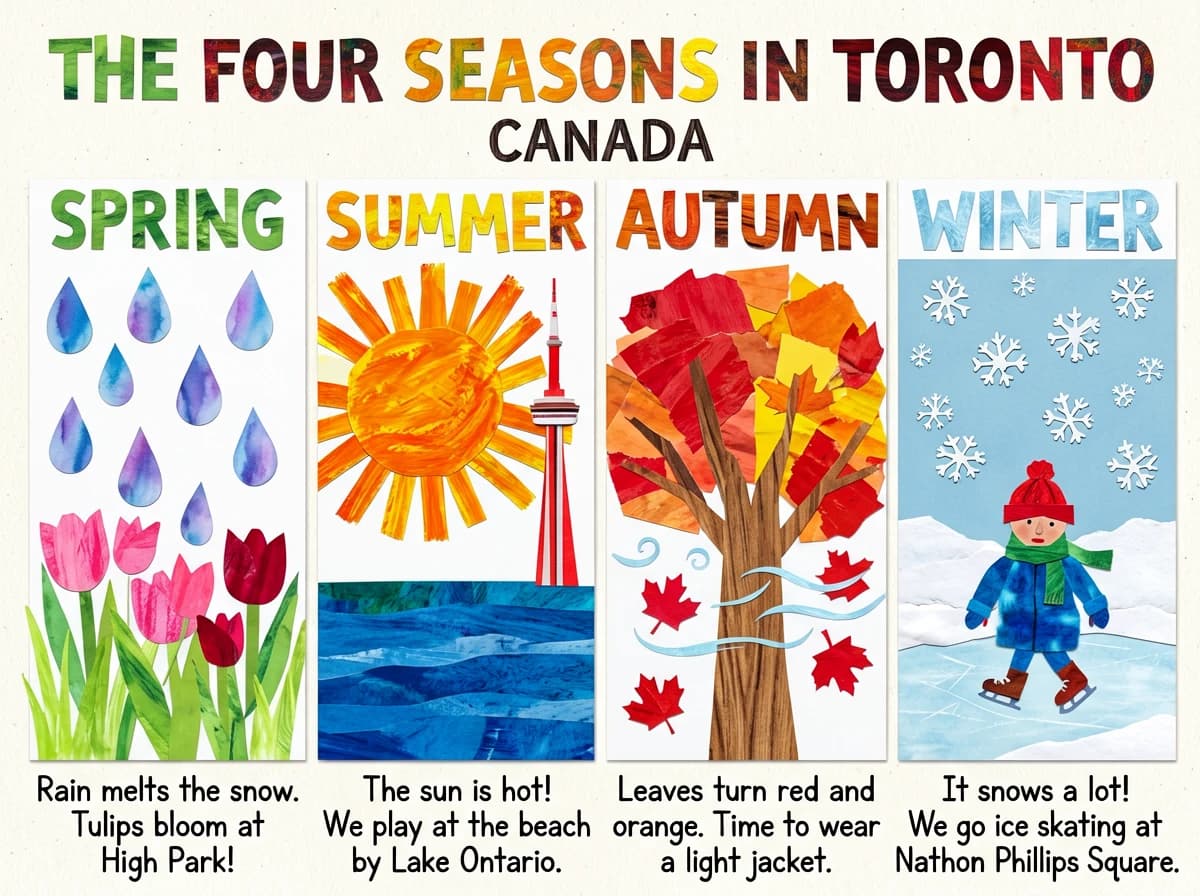
Typography Poster — generated with ERNIE ImageTypography Poster
Architectural Render — generated with ERNIE ImageArchitectural Render
Abstract Art — generated with ERNIE ImageAbstract Art
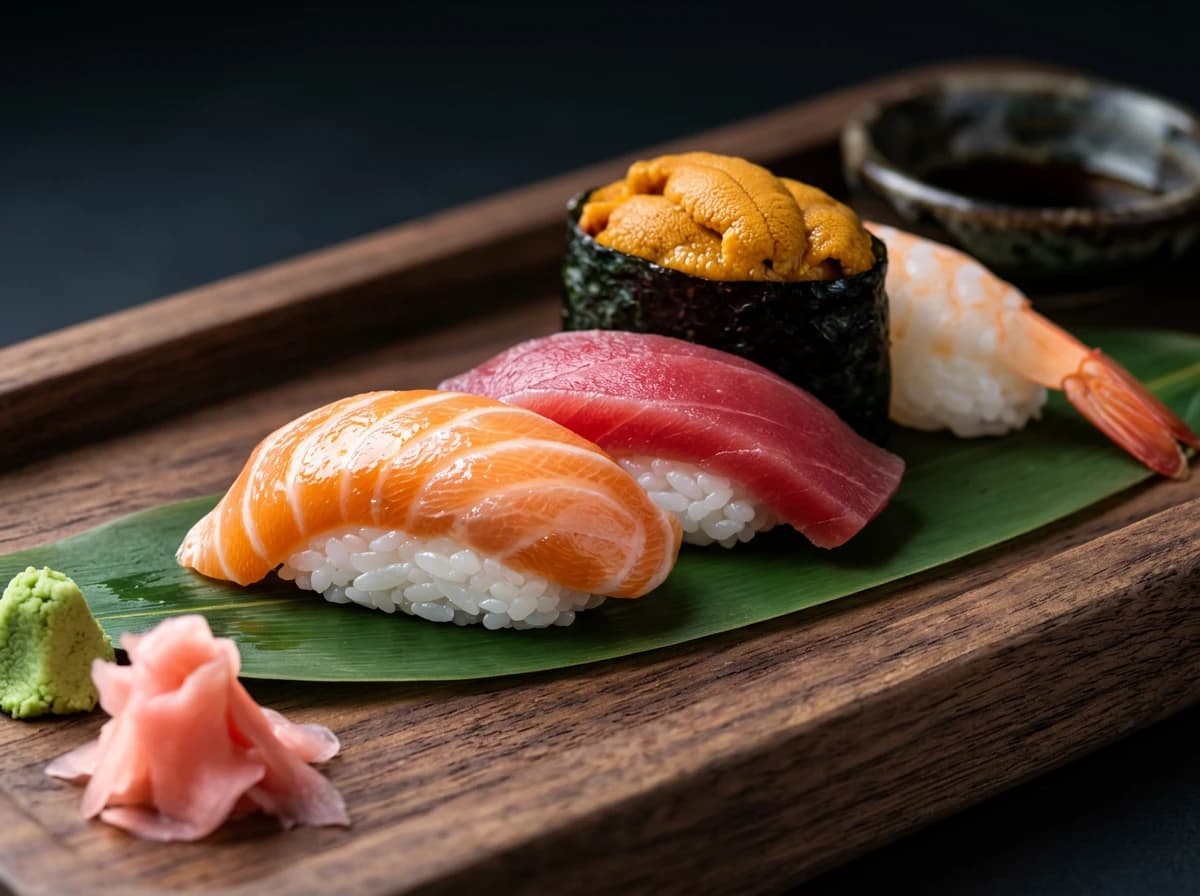
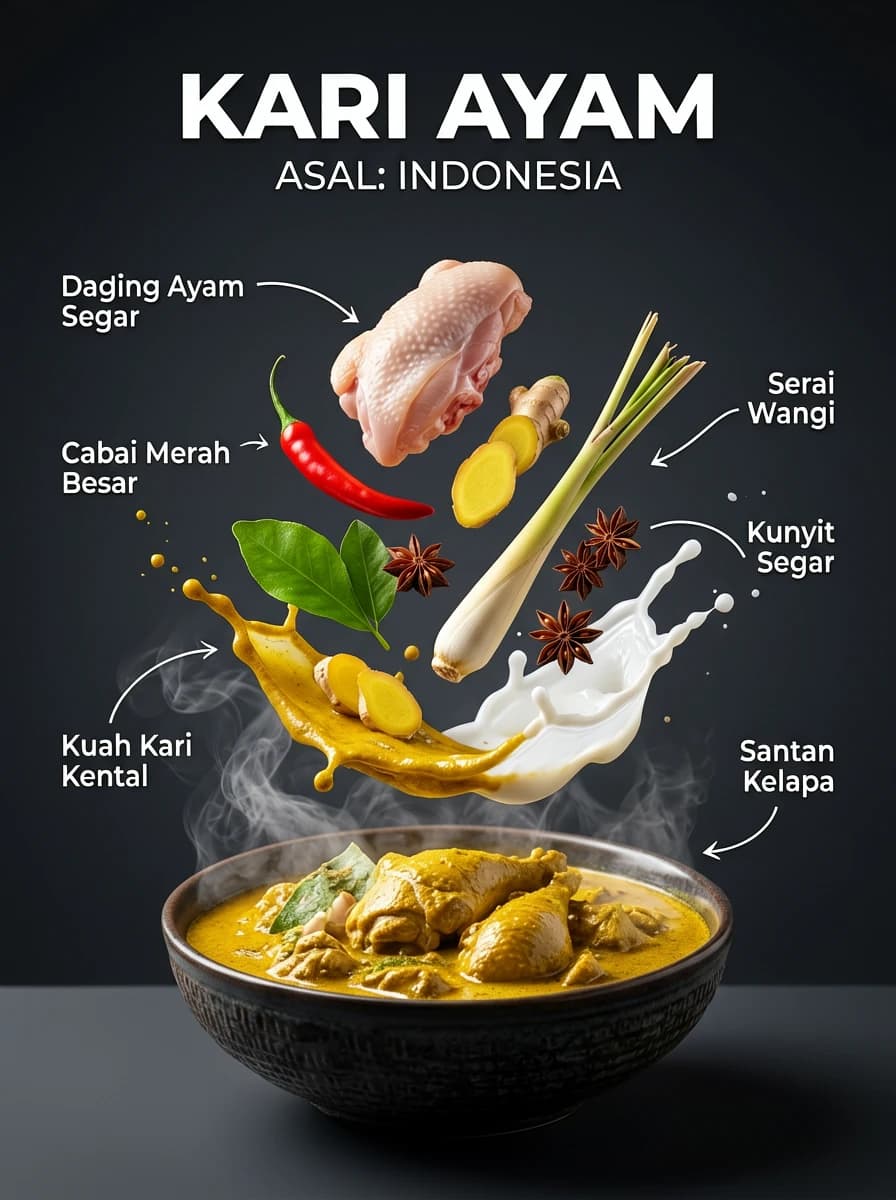
Food Photography — generated with ERNIE ImageFood Photography

Images generated with ERNIE Image using prompts from our Prompts Guide

How ERNIE Image Works

Three steps from idea to finished image

01

Describe Your Vision

Type a simple description of what you want to create. No prompt engineering required — ERNIE Image understands natural language. Mention style, mood, composition, or subject.

"A cozy coffee shop window seat at rainy morning, warm light"
02

Prompt Enhancer Upgrades It

The integrated prompt enhancer analyzes your text and rewrites it with professional art direction keywords — lighting, materials, camera settings, and style references — before generation begins.

→ Enhanced with atmosphere, lens, and texture keywords automatically
03

DiT Architecture Generates

The Diffusion Transformer model processes the enhanced prompt, understanding spatial layout and text placement requests to produce a high-quality, structurally coherent image.

→ Sharp edges, accurate text, precise composition in seconds

Why Choose ERNIE Image

Built for creators who need reliable text, layout, and quality, not just pretty outputs. The focus is on turning prompts into assets that survive real design and publishing workflows.

Integrated Prompt Enhancer

Built-in language model rewrites your input with professional art direction keywords before generation. No prompt engineering skills needed to get great results.

Accurate Text Rendering

DiT architecture processes image tokens with structural awareness, enabling legible typography inside images — critical for banners, posters, UI mockups, and infographics.

Precise Layout Understanding

Specify where elements appear — foreground/background, left/right, layered compositions. ERNIE Image maintains described spatial relationships with accuracy.

DiT Architecture Quality

Diffusion Transformer architecture delivers superior structural coherence compared to traditional U-Net diffusion models — sharper edges, consistent proportions, and reliable anatomy.

Multi-Style Versatility

Switch between photorealistic, anime and manga, concept art, abstract, and hybrid styles within the same tool. No model switching required.

Free Tier Available

Start generating without a credit card. The free tier includes a monthly generation quota — sufficient to evaluate ERNIE Image for your workflow before committing.

What Creators Say

Rated 4.6/5 across 15 verified reviews

"Text rendering finally works — game changer for branded content"

I've tried every AI image tool for client work. ERNIE Image is the first one that actually renders typography cleanly inside an image. I generate product mockups with taglines bake…

MT
Marcus T.
Creative Director

"Best anime-style output I've found — consistent character anatomy"

I use ERNIE Image for generating reference poses and background plates. Most tools distort hands and faces in anime style but ERNIE handles them consistently. The layout understand…

YN
Yuki N.
Manga Artist & Illustrator

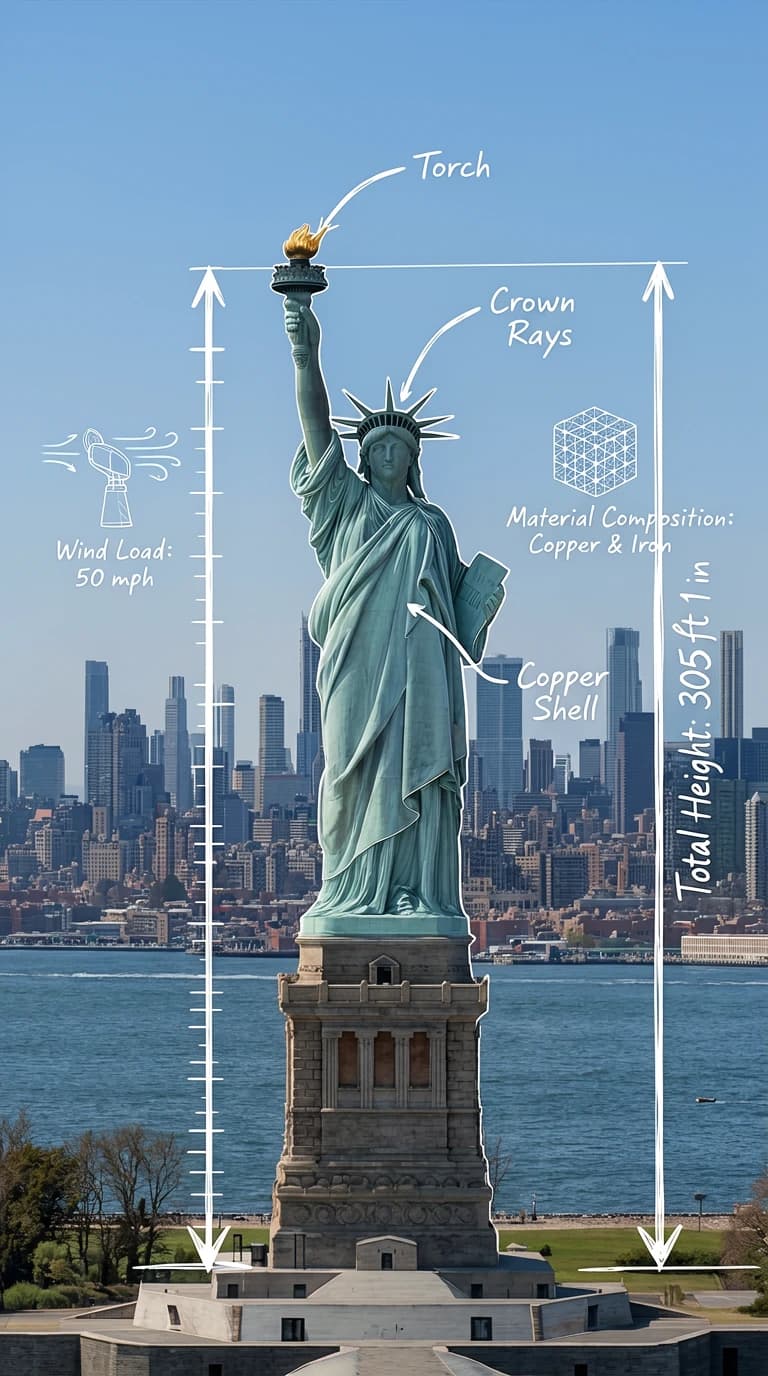
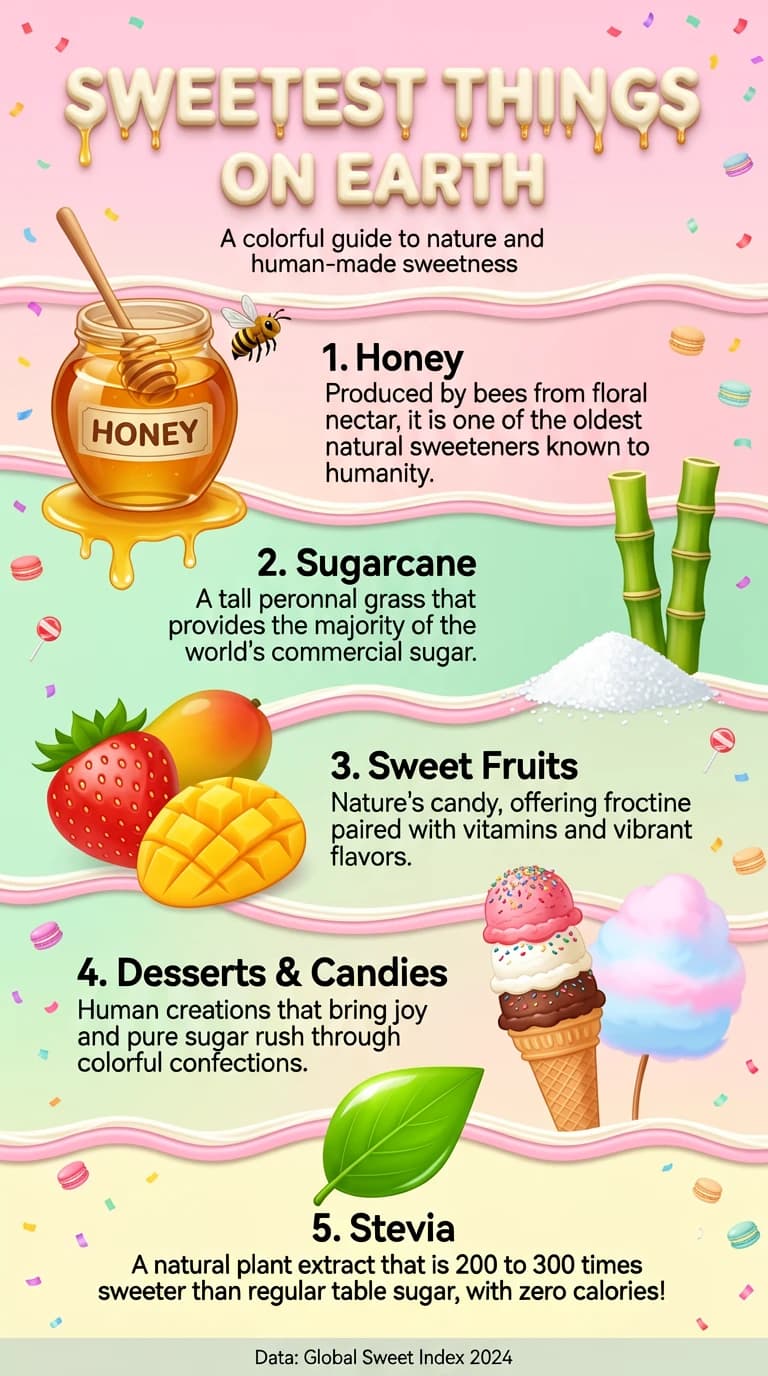
"Reliable diagrams and infographic visuals for educational content"

Creating visual explainers is 10× faster with ERNIE Image. I describe data viz scenes or concept diagrams and the layout understanding keeps elements in the right spatial relations…

PS
Dr. Priya S.
Science Communicator

Where This Generator Fits Best

The strongest use cases are the ones that demand clarity as much as style. If your work depends on readable text, predictable composition, or a fast path from rough prompt to presentation-ready draft, this model is more useful than a purely aesthetic image tool. It is designed for workflows where structure matters.

Marketing Teams That Need Usable Assets, Not Just Inspiration

Campaign teams usually do not fail because they lack ideas; they fail because turning an idea into a usable visual takes too many handoffs. This platform is strongest when you need a first draft that already respects headline placement, product focus, and layout intent. Banner concepts, paid-social variants, promo key visuals, and seasonal landing-page art all benefit from that reliability. Instead of generating dozens of pretty but unusable images, teams can describe the offer, the scene, and the placement rules up front, then iterate on the strongest direction with less cleanup in Photoshop or Figma. That is especially useful in fast-moving launch windows where the brief changes daily and multiple stakeholders need to compare alternatives quickly.

Common Outputs
  • Product hero images with short taglines
  • Ad concept variations for paid social
  • Simple promo posters and landing-page art

Educators, Analysts, and Explainer Creators

Educational graphics often fall apart when an image model cannot keep labels readable or preserve spatial relationships. That is exactly the workflow where the underlying transformer-based structure helps most. Teachers, internal enablement teams, science communicators, and newsletter writers can build diagrams, annotated scenes, and infographic-style compositions that stay understandable at a glance. The best results still come from short labels and clear instructions, but the baseline is far more useful than generic art models that treat text as decoration instead of information.

Common Outputs
  • Explainer diagrams with short labels
  • Infographic-style illustrations for articles
  • Presentation visuals with clean composition cues

Illustrators and Product Builders Who Need Control

The tool is also practical for creators who already have a visual process and want more control over ideation. Illustrators can rough out shot framing, pose direction, background placement, and style references without jumping between multiple models. Product builders can use the generator for UI mockups, cover images, onboarding artwork, and brand experiments where readable interface text matters. In both cases, the value is not only output quality; it is predictability. When a prompt says an element belongs in the foreground left and another belongs in the back right, the result is more likely to support the brief rather than fight it. That predictability becomes more important as teams move from concept exploration into review-ready assets with deadlines.

Common Outputs
  • Anime and manga reference composition
  • UI mockups with legible labels
  • Concept art that respects scene structure

That does not mean the model replaces design judgment. The best outcomes still come from teams that know what message, hierarchy, and mood they are trying to communicate. What the generator changes is the speed of getting to a credible starting point. Instead of spending the first round proving that a composition is even possible, creators can move faster into refinement, selection, and production handoff.

In practice, that makes the tool most valuable for people who already have standards. Art directors can evaluate options faster, founders can brief visuals without a full design team, and independent creators can test ideas without losing the original intent of the scene. The more specific the brief, the more this kind of structured image generation pays off.

Frequently Asked Questions

Everything you need to know about ERNIE Image

ERNIE Image is an AI image generator built on a Diffusion Transformer (DiT) architecture, which provides superior structural coherence compared to traditional U-Net models. Its key differentiators are an integrated prompt enhancer (automatically upgrades your text input for better results), accurate text rendering inside images, and precise layout understanding — allowing you to specify where elements appear in the composition.

When you submit a prompt, the built-in language model analyzes your description and rewrites it with additional style, lighting, composition, and technical photography/art keywords that produce higher-quality outputs. You can see both your original prompt and the enhanced version. This means even simple descriptions like 'coffee cup on table morning light' get automatically upgraded to a professional-quality prompt.

Yes. Text rendering is one of ERNIE Image's strongest capabilities. The DiT architecture processes image structure at the token level, which gives it much better understanding of where and how to place legible text. It handles product taglines, poster titles, UI mockup labels, and infographic text with accuracy that most diffusion models struggle with. Results are best for short phrases (under 10 words) in clean typographic styles.

ERNIE Image supports a broad range of styles: photorealistic (product photography, portraits, architectural), anime and manga illustration, concept art (sci-fi, fantasy), abstract and fine art, and hybrid styles. Its layout understanding works across all these modes, making it especially useful for compositionally precise work.

ERNIE Image offers a free tier with a monthly generation quota. Pro and Enterprise plans are available for higher volumes, API access, and priority generation speed. The free tier is sufficient for most personal and small-project use cases.

The layout understanding model processes spatial relationships between described elements. You can specify foreground/background placement, relative positioning (left, right, center), and layering. For complex compositions like 'character in lower left foreground, city background right, sunset sky above', it maintains the described layout with much higher accuracy than prompt-only approaches used by competing tools.

Start creating with ERNIE Image

No credit card required. Generate your first AI image in under 30 seconds with our integrated prompt enhancer.