ERNIE Image Prompt Guide 2026: Prompts That Actually Work
Updated: April 2026 | Reading time: 14 min | Level: Beginner to Advanced
What this guide covers: ERNIE Image handles prompts differently than Midjourney or Stable Diffusion. It has a built-in Prompt Enhancer, native text-rendering capability, and strong layout understanding. For an expert analysis of its capabilities, see our full ERNIE Image review.
How to Write Prompts for ERNIE Image
The ERNIE Image AI image generator processes prompts differently from most tools. Your input first goes through the Prompt Enhancer, a separate language model that rewrites a short prompt into a more structured description before it reaches the 8B Diffusion Transformer.
Why ERNIE Image Prompts Work Differently
- ●Short prompts still produce polished results because the Enhancer fills in descriptive gaps automatically.
- ●Layout instructions are respected; spatial phrases like "left third" or "centered" are understood and followed.
- ●Quoted text renders more reliably than in most open models, making it ideal for posters and labels.
- ●Enhanced prompts can be reused for manual iteration if you copy the rewritten version after a generation pass.
ERNIE Image Prompt Formula (5-Part Structure)
[Subject] + [Scene/Context] + [Style] + [Lighting/Mood] + [Quality/Composition]| Component | Example |
|---|---|
| Subject | A ceramic coffee mug |
| Scene/Context | on a weathered oak table, morning kitchen |
| Style | commercial product photography |
| Lighting/Mood | soft window light from the left, warm tones |
| Quality/Composition | shallow depth of field, 8K, centered composition |
Example prompt:
A ceramic coffee mug on a weathered oak table in a morning kitchen setting, commercial product photography style, soft window light from the left with warm tones, shallow depth of field, 8K, centered compositionBeginner Prompts: Start Here
These are low-friction prompts designed to work well without much tweaking.
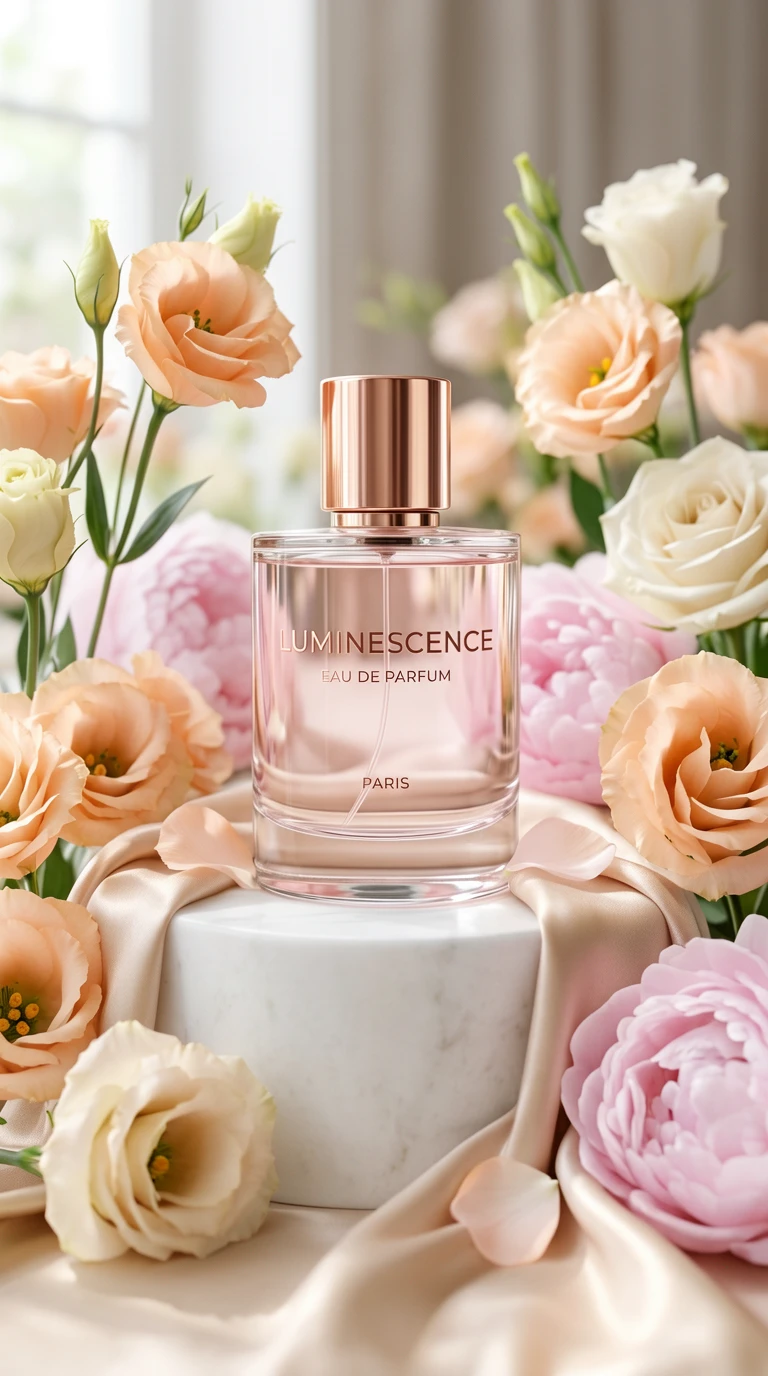
Dense pine forest at golden hour, sunbeams filtering through tree canopy, misty atmosphere, rich greens and warm golds, nature photography style, 4K detailNatural light portrait of a woman in her early 30s sitting by a large window, soft diffused daylight, slight background blur, documentary photography style, candid expression, skin texture visibleCinematic street photograph of a rain-wet Tokyo alley at night, neon reflections on pavement, atmospheric bokeh, 50mm lens, film grain, moody contrast, lone figure with umbrella in mid-groundScandinavian living room interior, linen sofa, exposed oak beams, large windows, potted plants, afternoon light, clean and airy, professional interior design photographyText-in-Image Prompts (ERNIE's Superpower)
ERNIE Image AI image generator is optimized for text-in-image prompts. It scores 0.9733 on LongTextBench, which is why headlines, labels, and short callouts actually come out readable instead of corrupted.

- Put the exact text string in quotation marks.
- Keep each text element under 8 to 10 words.
- Specify font weight and placement.
- Describe the background contrast so the text stays readable.
- Use headlines and labels, not paragraphs.
Summer music festival poster, bold serif headline "SUMMER BEATS 2026" at the top in white, lineup names below in smaller sans-serif, dark teal background with abstract wave graphics, art deco border details, concert poster styleMinimalist skincare product label, centered text "DAILY GLOW SERUM" in clean uppercase sans-serif, botanical illustration border, matte white background, soft sage green accents, premium packaging designAI Product Photography & Realistic Prompts
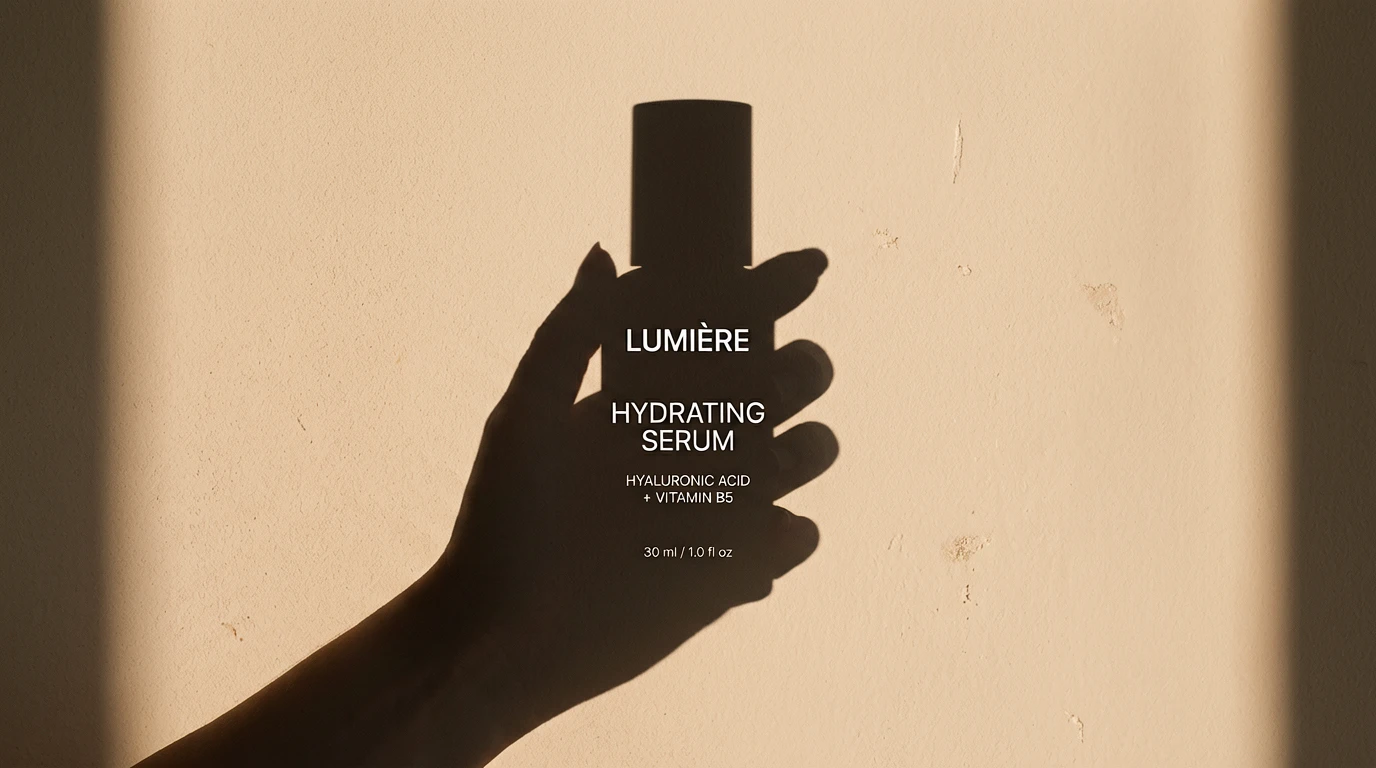
For photorealistic outputs, lens choice, lighting direction, and material descriptors matter more than generic quality adjectives.
- Use lens language such as 85mm, 35mm, macro, or wide-angle.
- Describe light direction and color temperature.
- Add material descriptors like matte, glossy, frosted, and weathered.
- Use anchors like photorealistic or shot on a camera model.
Close-up product photograph of a matte black wireless earbuds case on a slate surface, soft studio lighting from above-left, subtle shadow beneath, white background, commercial e-commerce photography, 8K detail, no reflectionsAI Anime & Manga Prompt Examples (ERNIE Image)
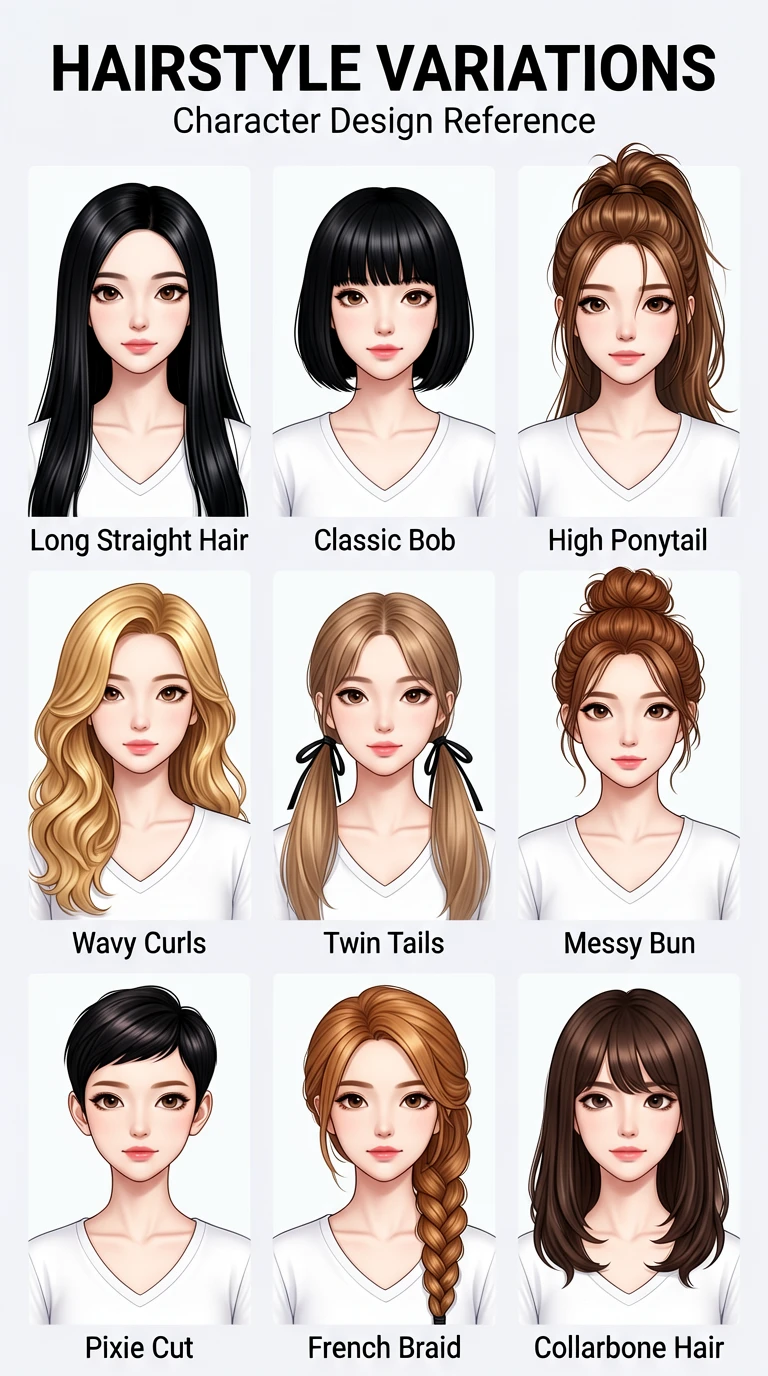
ERNIE Image handles anime proportions, hair dynamics, and eye styles well. Stronger results come from using clear aesthetic anchors instead of just saying "anime."
- Studio Ghibli watercolor aesthetic
- 90s anime linework and color palette
- Modern isekai dark fantasy
- Shonen manga ink style
Anime-style illustration of a cheerful girl with short brown hair and bright green eyes, wearing a blue school uniform, standing in a sunlit classroom, Studio Ghibli watercolor aesthetic, soft warm light, expressive eyes, clean lineworkAI Poster Design & Graphic Layout Prompts
This is where text accuracy and layout understanding combine. Spatial phrases such as top third, centered with negative space below, and split-panel left and right tend to work reliably.
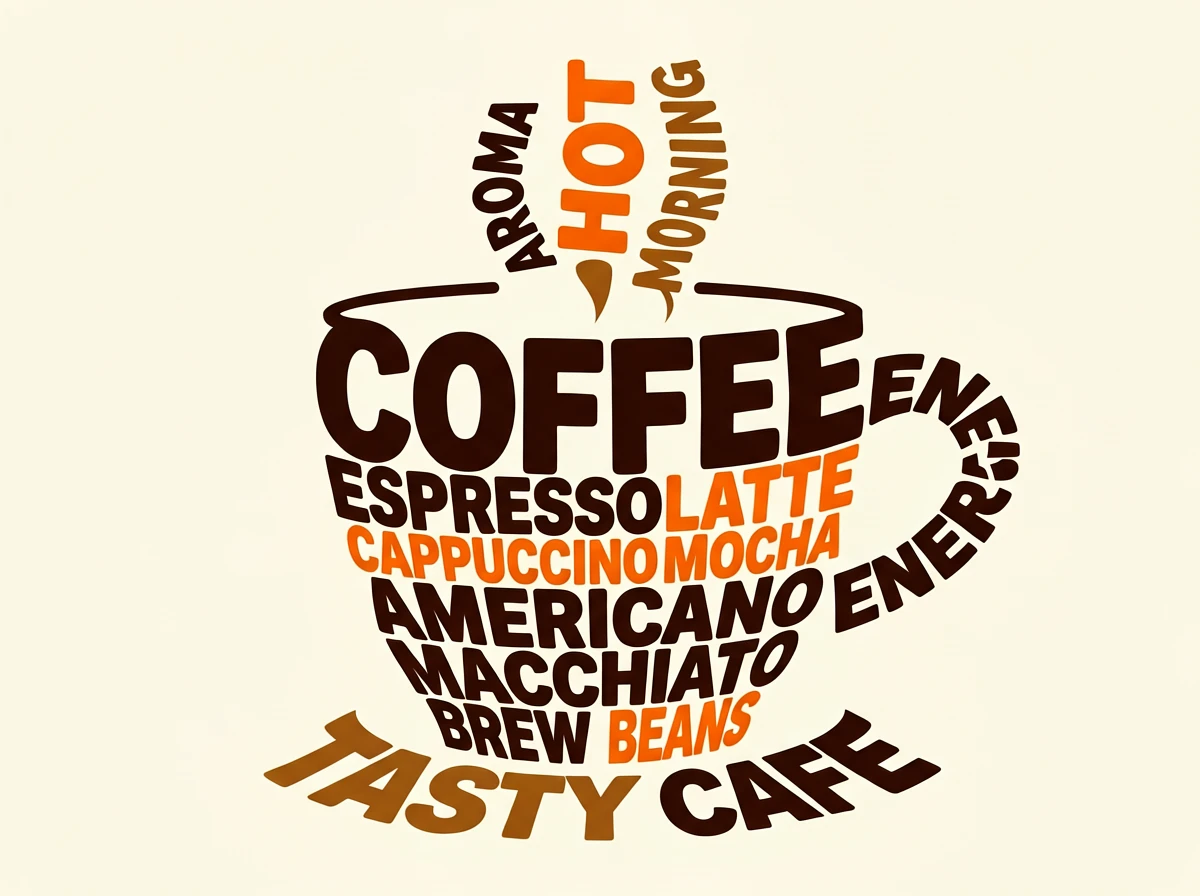
Concert event poster, bold sans-serif headline "JAZZ NIGHT" in large white type at top, date "FRIDAY JUNE 20" below in smaller tracking, abstract ink-splash graphic in the center, dark charcoal background, gold accent color, 1960s jazz poster aesthetic, vertical formatClassroom educational poster, "THE WATER CYCLE" as bold centered header, illustrated diagram below showing evaporation, condensation, and precipitation stages with labeled arrows, blue and green color palette, clean sans-serif labels, scientific illustration styleAI Comic & Multi-Panel Layout Prompts
ERNIE Image is unusually good at grids, panel sequences, and speech bubbles if you structure the prompt explicitly.
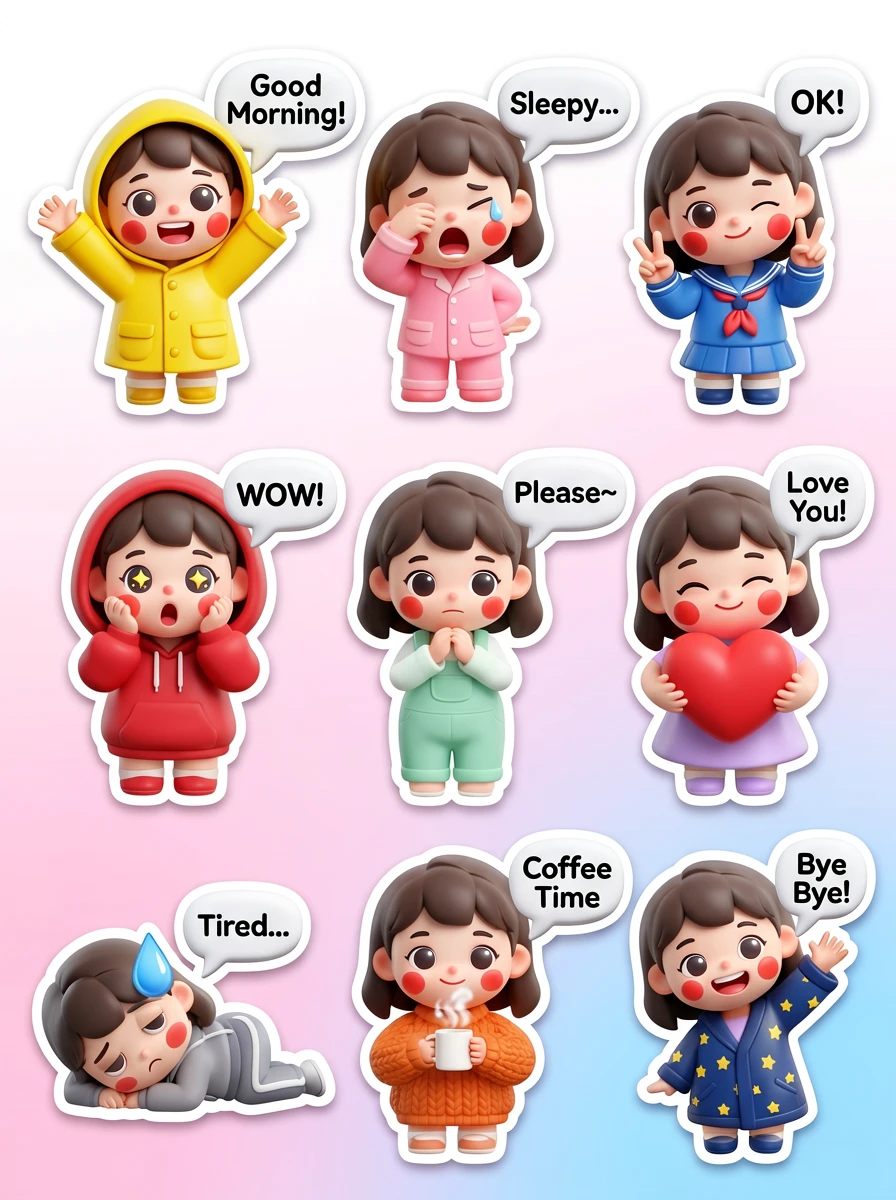
- State the grid explicitly: 3x2 grid, 4-panel vertical layout, 2-column split.
- Describe each panel in numbered sequence.
- Repeat character descriptors across panels.
- Specify border treatment and dialogue text.
4-panel manga comic, clean ink line art, expressive character design, black and white:
[Panel 1]: girl with short dark hair runs through a rainy city street, coat collar up, expression determined
[Panel 2]: she stops at an alleyway where a glowing golden door stands between two buildings, eyes wide
[Panel 3]: she pushes the door open and steps through, warm light flooding toward her
[Panel 4]: she emerges in a sunlit meadow full of wildflowers, turning back to see the door has vanished behind her, soft smile
Thin panel borders, cinematic pacing, readable expression workBilingual Prompts (English + Chinese)
ERNIE Image is one of the few open models where English and Chinese can be treated as one practical workflow. Short bilingual labels and titles work far better than bilingual paragraphs.
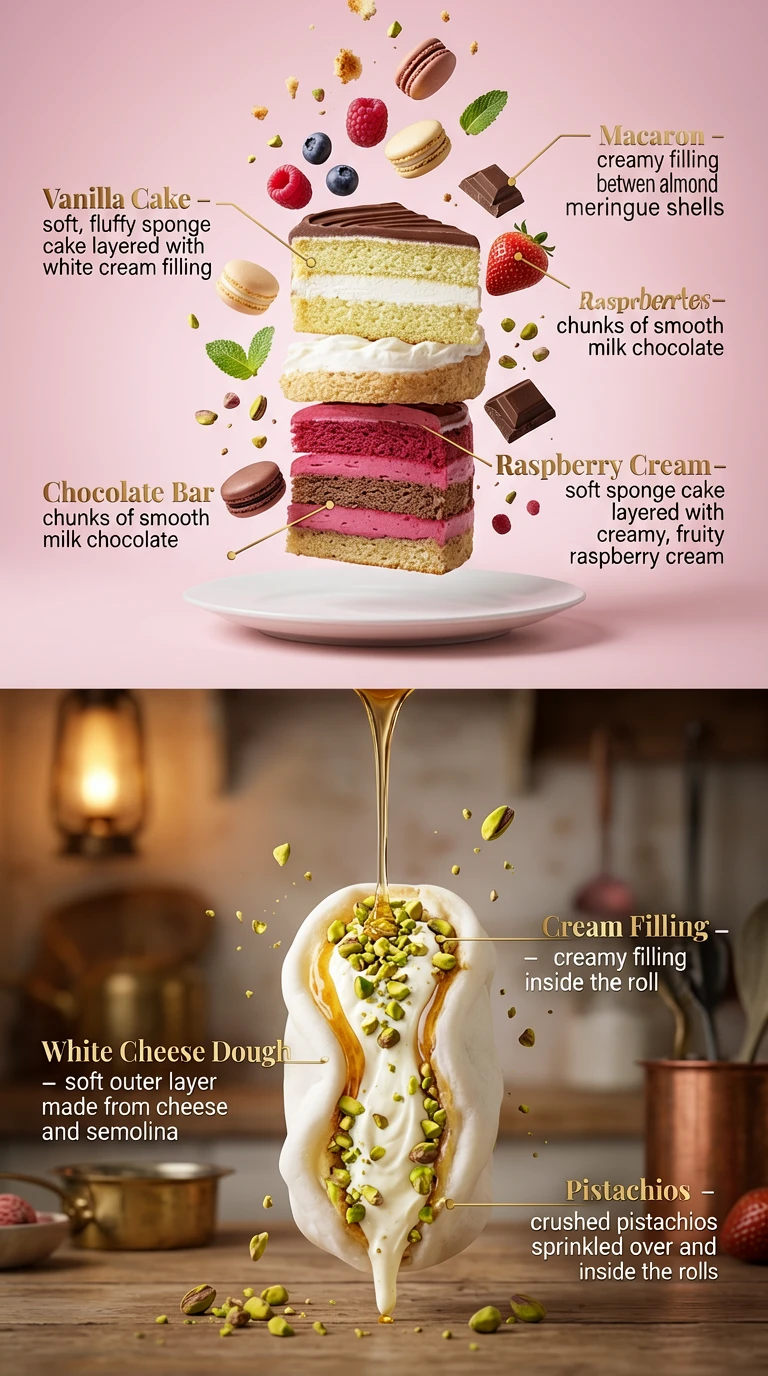
- State which language appears where.
- Keep each string short.
- Specify simplified or traditional Chinese where relevant.
- Use labels, titles, and short callouts rather than body copy.
Tea product packaging label, "MOUNTAIN WHITE TEA" in clean serif at top, "白毫银针" in elegant traditional brush-style Chinese below, minimal pale silver background, fine line botanical illustration border, premium luxury packaging design, centered layoutAdvanced Techniques
Use Camera and Lens Language for Realism
| Term | Effect |
|---|---|
85mm portrait lens | Natural facial proportions, compressed background |
35mm architectural lens | Straight lines, minimal distortion |
macro photography | Extreme close-up detail, soft surrounding blur |
shot on 35mm film | Grain, muted saturation, analog response |
Portrait of a chef in a commercial kitchen, shot on 85mm lens at f/1.8, natural window light from the left, subject sharply focused, pots and pans softly blurred behind, candid expression, editorial portrait photographyUse Lighting Vocabulary
golden hour: warm directional light, long shadowsRembrandt lighting: 45-degree key light, classic portrait triangle shadowovercast diffused light: flat, even, ideal for productsrim lighting: bright subject outline, dramatic separationvolumetric light shafts: visible light beams through atmosphere
Compositional Language ERNIE Understands
rule of thirdsforeground / mid-ground / background layeringsubject in left third, negative space rightbird's eye viewandlow angle looking up
Iterate from the Enhanced Prompt
- Copy the enhanced prompt after the first run.
- Keep what improved the image.
- Rewrite the drifted parts explicitly.
- Paste the modified enhanced prompt back into the next run.
The Prompt Enhancer: When to Use It, When to Turn It Off
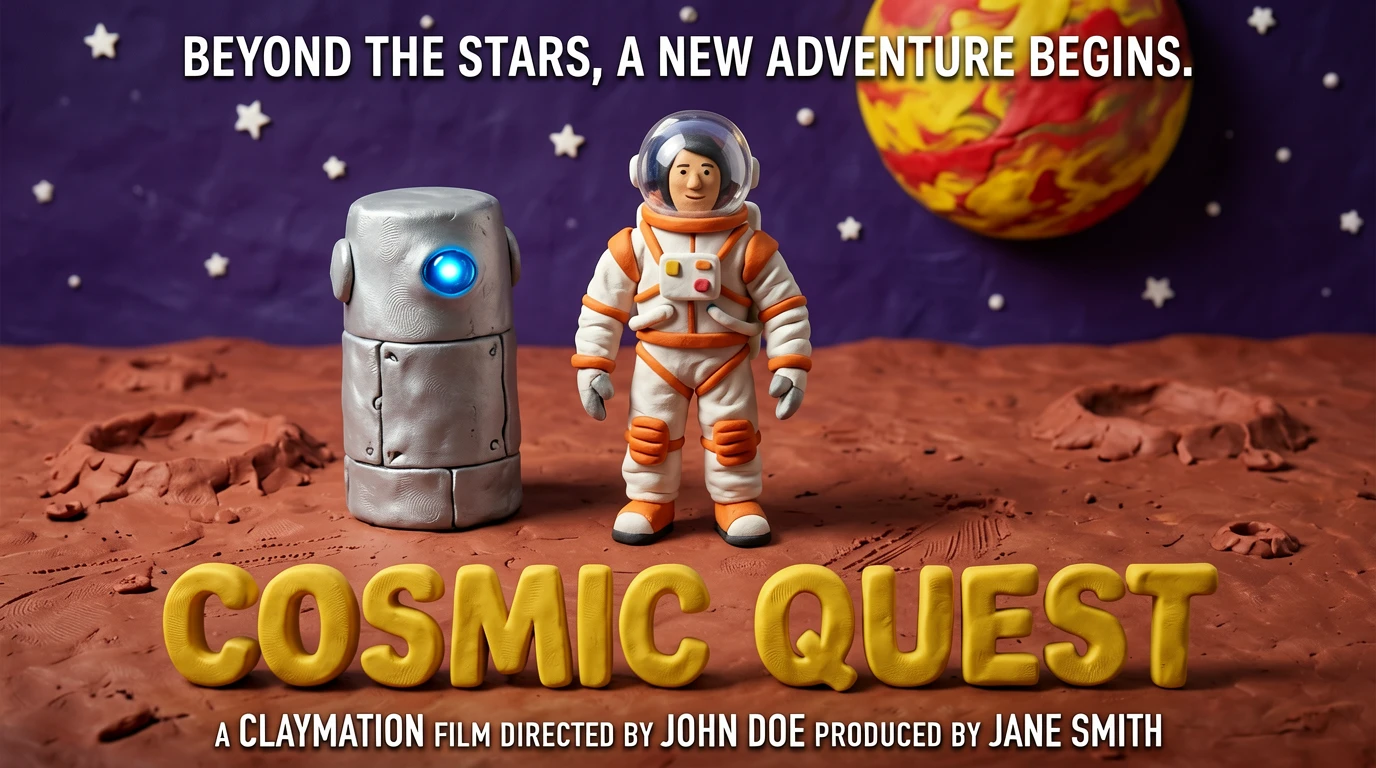
Keep It ON
- Short or casual prompts
- Scene, landscape, portrait, or illustration ideation
- When you want rich detail without writing it all yourself
Turn It OFF
- Exact control over details and precise spatial relationships
- Already-detailed prompts
- Iterations from a saved enhanced prompt
- Benchmark-style precision tasks
With Enhancer enabled, GENEval Counting improves from 0.7781 to 0.8187 (which improves object counting accuracy in complex scenes), while overall GENEval drops from 0.8856 to 0.8728. The Enhancer adds breadth, but it can cost precision.
Common Mistakes
❌ Too vague
a nice picture of a woman✅ Improved prompt
Portrait of a woman in her 40s sitting at an outdoor cafe, late afternoon golden light, relaxed confident expression, soft background blur, documentary photography style❌ Conflicting styles
photorealistic anime watercolor 8-bit pixel art✅ Improved prompt
Anime-style illustration with a soft watercolor texture, pastel colors, clean linework, Studio Ghibli aesthetic❌ Forgetting to quote text strings
poster with the text Summer Beats 2026 at the top✅ Improved prompt
Poster with the text "SUMMER BEATS 2026" in bold white serif at the topERNIE Image Prompt Cheat Sheet

Prompt Formula
[Subject] + [Scene/Context] + [Style] + [Lighting] + [Composition/Quality]Text-in-Image Rules
- Put exact text in quotes.
- Keep each text element under 8 to 10 words.
- Specify font weight, placement, and contrast.
Prompt Enhancer
- ON: short prompts, ideation, complex scenes
- OFF: exact control over details, enhanced-prompt iteration
Multi-Panel
- State the grid explicitly.
- Number each panel.
- Repeat character descriptors across panels.
Start with one of the templates above, generate once, copy the enhanced prompt, then refine from there. Most strong results appear on the second or third iteration, not the first. To see what others have achieved with these methods, visit the ERNIE Image showcase.
For information on credit costs and volume packages for your production workflow, check out our pricing and licensing page.
Related Articles
All prompt examples in this guide were written for ERNIE Image's actual architecture, the 8B DiT model with integrated Prompt Enhancer. Benchmark figures referenced here are sourced from the official ERNIE Image model card, April 2026.